
Microsoft cloud desktops
Azure Virtual Desktop for Charleston businesses
Windows desktops and Windows-only software that open on a Mac, a tablet or a browser, set up by CloudCentric, Charleston to Savannah.
Azure Virtual Desktop for business
CloudCentric sets up Microsoft cloud desktops using shared desktops or a machine assigned to one person. Choose your business type to see your daily routine running office software from anywhere.
Machine setup
Typical tasks
Example workday
Microsoft's own screens for Azure Virtual Desktop
Microsoft's cloud desktops open on Windows, Mac, iPad, Android and in a web browser. Staff access their workspace through a single client.
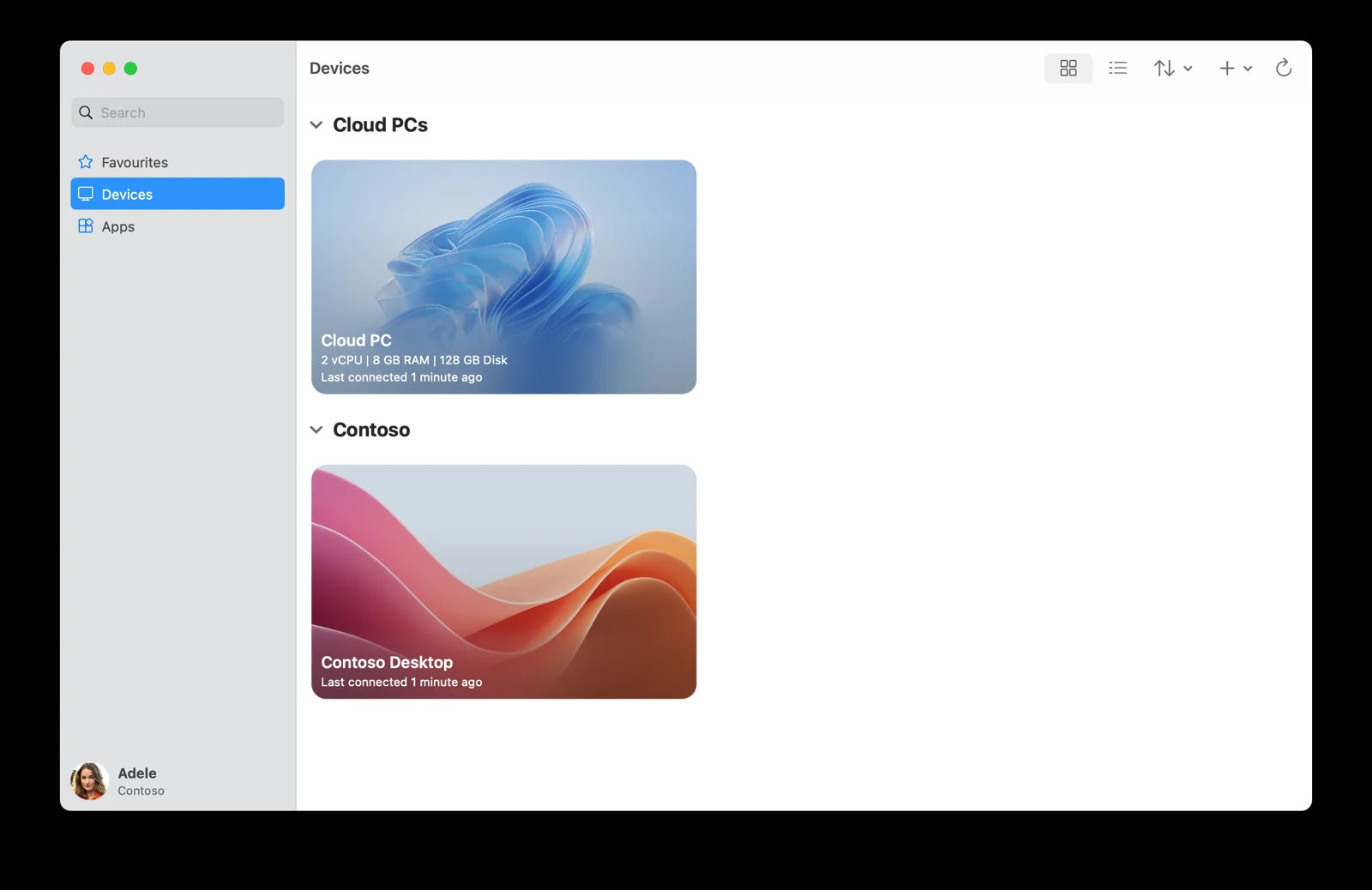
Windows App lists a person's desktops and apps on macOS.
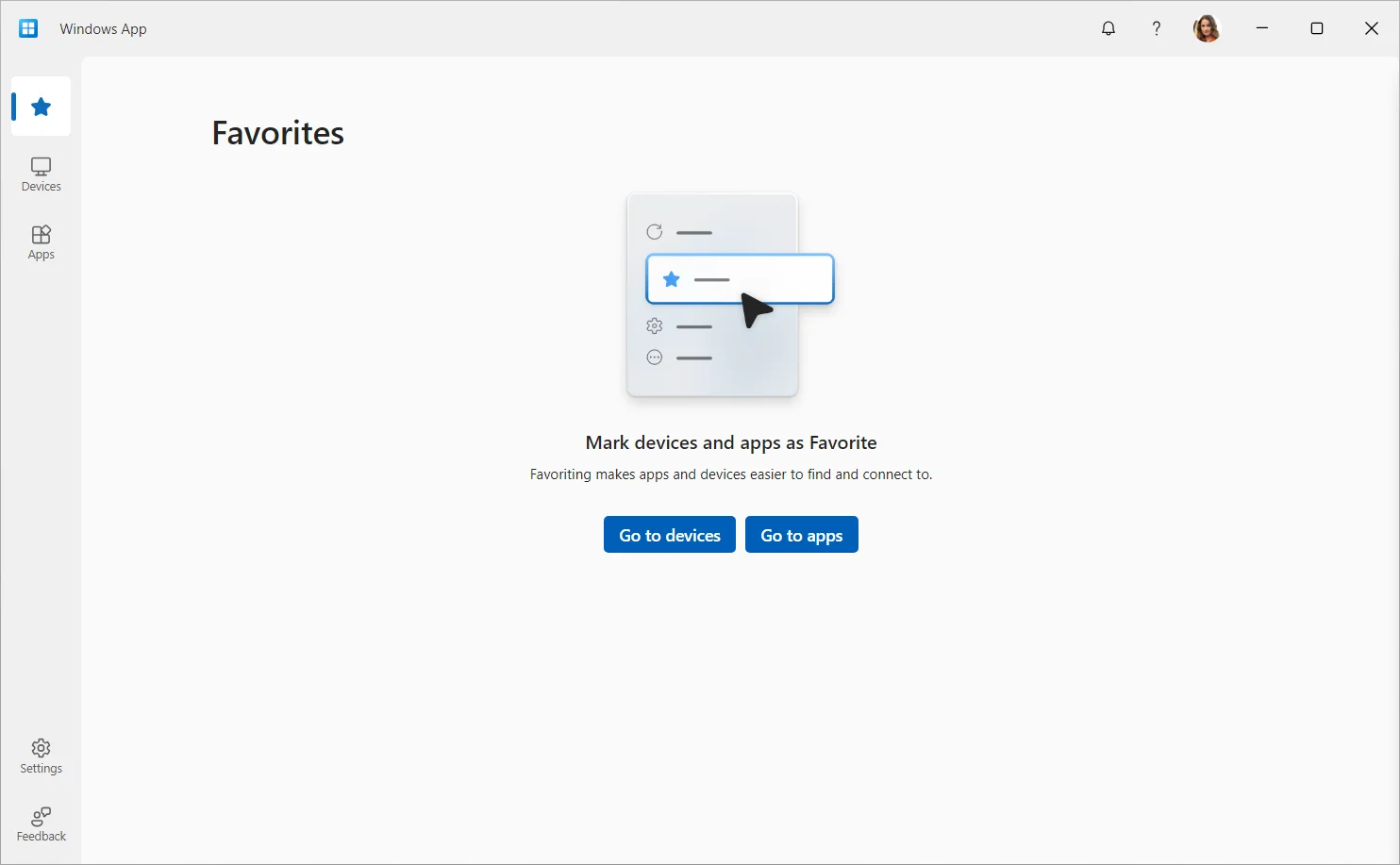
Favorites, Devices and Apps tabs display a person's desktops on Windows computers.
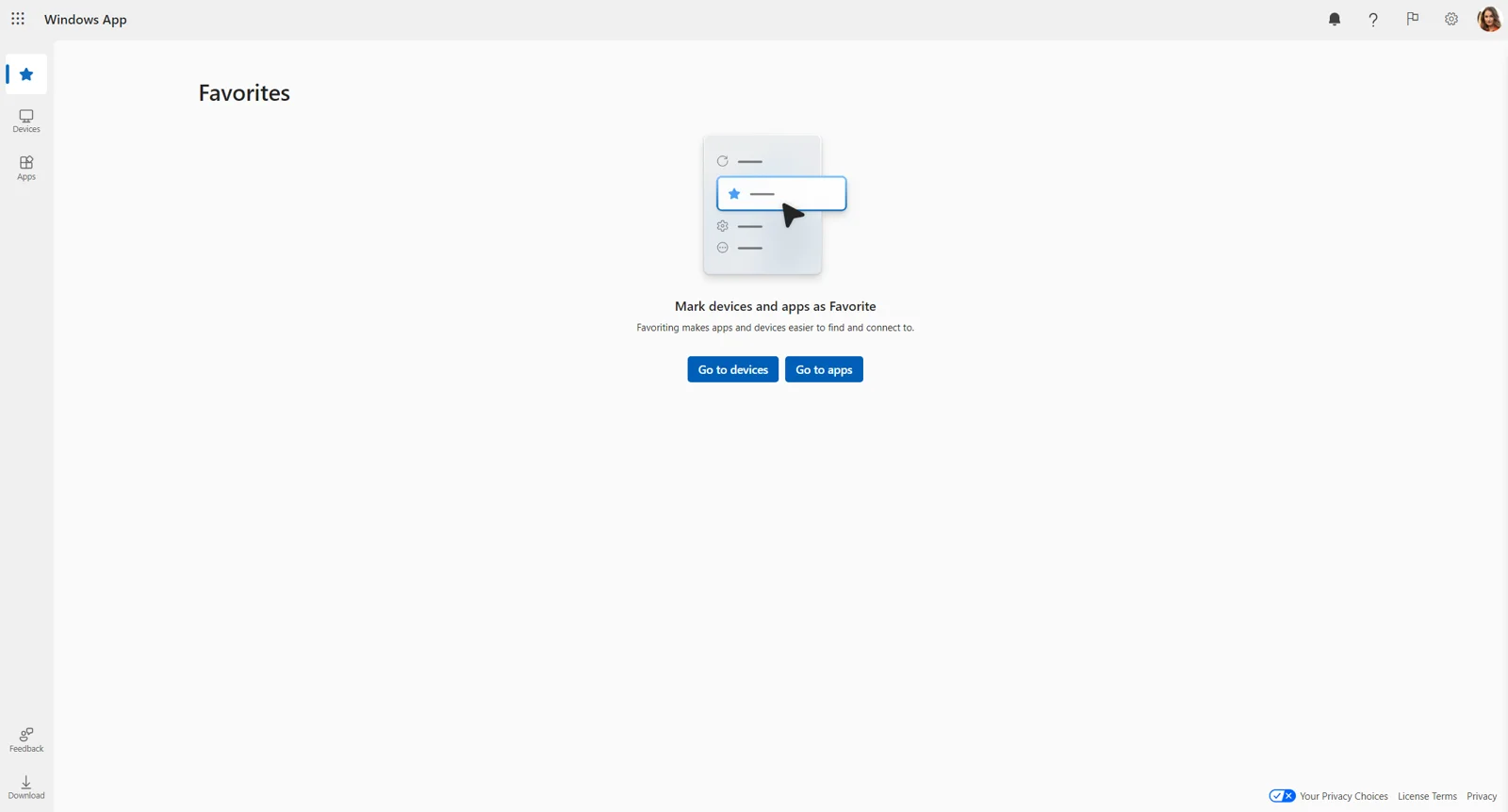
Web clients present full Windows desktops inside a standard web browser.
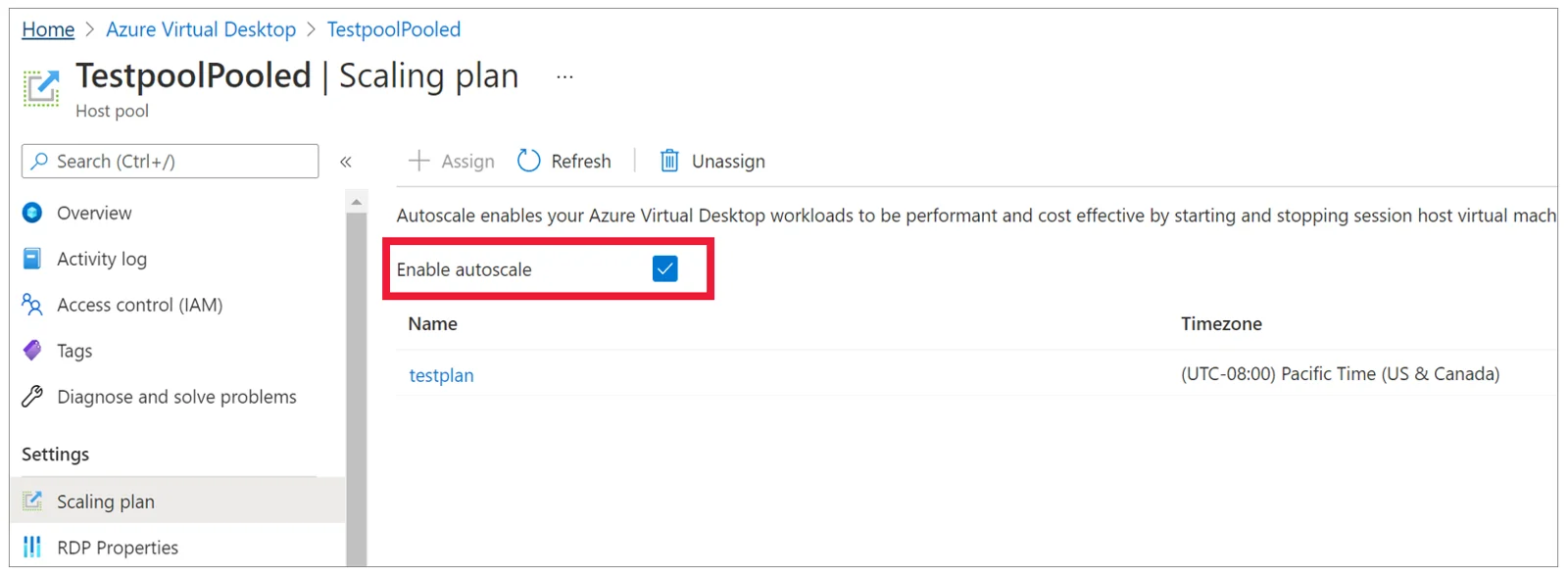
Scaling plans are where autoscale is switched on for a group of machines.
Microsoft's own screens are shown unedited. Microsoft Learn
Microsoft's own screens are shown unedited. Microsoft Learn
Microsoft's own screens are shown unedited. Microsoft Learn
Microsoft's own screens are shown unedited. Microsoft Learn
Devices where Azure Virtual Desktop opens
People access their workspace through Windows App or a browser using web clients. Your group of machines functions on macOS, iOS, Android, ChromeOS and Windows.
Signing in needs a work or school account, not a personal Microsoft account.
Full desktop or individual apps
A person can see the whole Windows desktop or just the programs you choose to show, a single program shown on its own. Single-program options work with shared desktops.
Azure Virtual Desktop shared and personal desktops
CloudCentric sets up a group of machines from one image. You choose a shared group of machines sharing resources or personal desktops for one person.
Several people use one machine at the same time, which reduces the number of virtual machines and operating system overhead.
- Who uses it
- Spreading people across machines connects user sessions to any machine in the group.
- People per machine
- Several users can be on one machine at the same time.
- Sign-in lands on
- A different machine in the group after signing out and back in.
- Updates
- Machines in the group are deployed again from updated images.
- Personal files
- Stored in FSLogix, a profile store, since users land on different machines.
- Scaling
- Turns virtual machines on and off based on capacity thresholds and schedules.
Dedicated desktops provide performance and data separation by assigning each machine in the group to an individual user.
- Who uses it
- Assigns each machine in the group to an individual user.
- People per machine
- A personal group of machines allows one session per host.
- Sign-in lands on
- Each person only ever uses one machine in the group, landing on the same machine every time.
- Updates
- Updated with Windows Updates or other software distribution tools.
- Personal files
- Stored on the OS disk of the virtual machine.
- Scaling
- Starts virtual machines on a schedule or upon connection.
Azure Virtual Desktop or Windows 365
Microsoft offers two cloud desktop paths. CloudCentric sets up and manages both solutions for businesses along the coast to Savannah.
Companies needing shared machines, custom images or a single program shown on its own.
- Billing
- Azure charges for machines and storage are separate from the user license.
- What you manage
- Customers manage the image and virtual machines used for sessions.
- Needs
- An Azure account with an active subscription and a virtual network.
- Desktops
- Full Windows experience with Windows 11, Windows 10 or Windows Server.
- Management
- Built-in delegated access can assign roles and collect diagnostics.
Businesses wanting a per-user service where each person has their own Cloud PC.
- Billing
- Billed per user per month at a fixed fee.
- What you manage
- Assigning and unassigning licenses handles management for Business editions.
- Needs
- Windows 365 Business requires only assigned licenses, without an Azure subscription.
- Desktops
- Cloud PCs are created automatically when a license is assigned.
- Management
- Enterprise editions can join an Azure virtual network and use Microsoft Intune.
See our Windows 365 page on this site for the per-person Cloud PC. Windows 365
Based on Microsoft's documentation opened November 2, 2026; CloudCentric's own setup is quoted separately. Microsoft Learn
Management for Microsoft cloud desktops
CloudCentric sets up and manages your Microsoft cloud desktops along the coast. Your team focuses on daily business operations.
Autoscale
Autoscale follows a schedule so machines are on at peak hours and off at quiet ones. One plan can be assigned to several groups of machines.
Updates
Updates for shared machines come from redeploying from an updated image. Personal machines use standard Windows Updates.
Personal files
Shared machines keep personal files in a profile store, FSLogix. Documents follow people across different machines.
Connection
Connection opens no inbound ports and Microsoft recommends round-trip time under 150 ms, best from the region closest to the people.
Azure Virtual Desktop setup process
CloudCentric configures your environment in your Azure subscription and manages the images and virtual machines without running gateway servers.
- 1
Azure account and network readied
Active subscriptions, virtual networks and subnets are established in the same Azure region as the machines in the group.
- 2
Machines built from one image
Every machine in the group is deployed from the same image for a consistent experience.
- 3
People assigned desktops or programs
Staff are assigned to application groups, gaining access to full desktops or individual applications.
- 4
People sign into Windows App
Users connect using their company Microsoft accounts on macOS, iOS, Android, ChromeOS and Windows.
Requirements
Questions asked often
- What is Azure Virtual Desktop?
Azure Virtual Desktop is a desktop and app virtualization service running on Azure. It delivers a full Windows experience with Windows 11, Windows 10 or Windows Server.
- Do people share machines?
Spreading people across machines lets several people share a machine at the same time. A personal group of machines assigns each machine to an individual user.
- Does it work on a Mac or iPad?
Users connect with Windows App or the remote client from macOS, iOS, iPadOS, Android, ChromeOS and Windows, or through a browser using the web client.
- What licenses does Microsoft require?
Internal users need an eligible license like Microsoft 365 Business Premium. User accounts must exist in your Microsoft account for the company.
- What does it cost?
Azure charges for machines and storage are separate from the user license. CloudCentric's own setup is quoted separately.
- How does it differ from Windows 365?
Windows 365 provides a fixed-fee personal Cloud PC automatically upon license assignment. Azure Virtual Desktop offers personal machines or shared desktops. See our Windows 365 page on this site.
- Where does CloudCentric cover?
CloudCentric sets up and manages environments for businesses along the coast from Charleston to Savannah.
Connect your office anywhere
Call CloudCentric to set up your shared or personal cloud desktops.