(844) 422-7000

Desk phones or Teams, on the same numbers

Two ways to run the phones, and the number, the voicemail and the directory are the same either way. Which one fits is a question about how the building works.
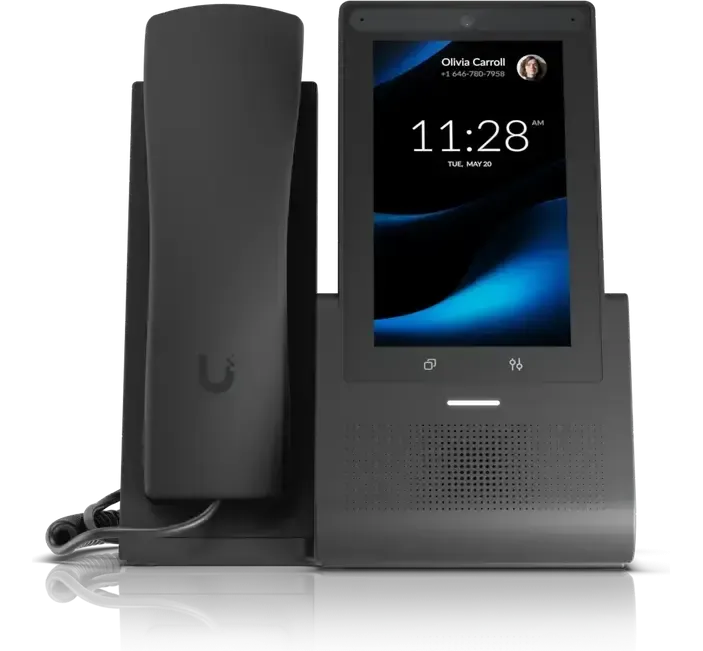
A desk, with the directory and call history on screen
What you get

What the phones do on either route

The list below does not change with the route. It is the same system either way; the difference is where it runs.

One number, wherever the person is

The desk, the laptop and the mobile ring together, and a call moves between them mid-conversation without hanging up.

The main line answers itself

A menu, opening hours and an out-of-hours path, so the number on the door is never ringing into an empty room.

Voicemail arrives as text

Messages land in email as a transcript, which is faster to triage than a list of recordings and searchable afterwards.

Your existing numbers move

Numbers are ported from the current carrier. Nobody has to be told a new number and nothing printed goes out of date.

Calls recorded where that matters

Recording per extension or across the board, kept where a later question about a specific call has an answer.

Starters and leavers are one change

Extensions come from the staff list already kept, so a starter or a leaver is one change rather than a phone job as well.

The two routes, and the real difference between them

One route puts the system in the building: equipment that is bought once and owned, handsets on the same cabling as the network, and no monthly figure per person.

The other runs it through Microsoft Teams, on licensing already being paid for in most offices. Nothing goes in the rack and it works from wherever somebody signs in.

The trade is capital against monthly, not better against worse. Both are quoted where both fit, and the deciding question is usually how many people are at a desk.

THE SAME ON BOTH ROUTES· One number· Voicemail as text· A menu on the main line· One directoryIN THE BUILDING· Bought once, then owned· Handsets on the network cable· Nothing monthly per personTHROUGH MICROSOFT TEAMS· On licensing already paid for· The laptop and headset on the desk· Works wherever somebody signs inHOW MANY PEOPLE SIT AT A DESK DECIDES IT

Everything above the split is identical on both routes: the number, the voicemail, the directory and the menu on the main line. What differs is where the system runs, and whether it is bought once or paid for monthly.

The equipment

A desk, a wall, or nothing to stand it on

These are the handsets for the owned route. The Teams route uses the laptop and headset already on the desk, which is a large part of what makes it cheaper to start.

A desk, with the directory and call history on screen

A desk, with the directory and call history on screen

Corridors, warehouses and break rooms, where there is no desk
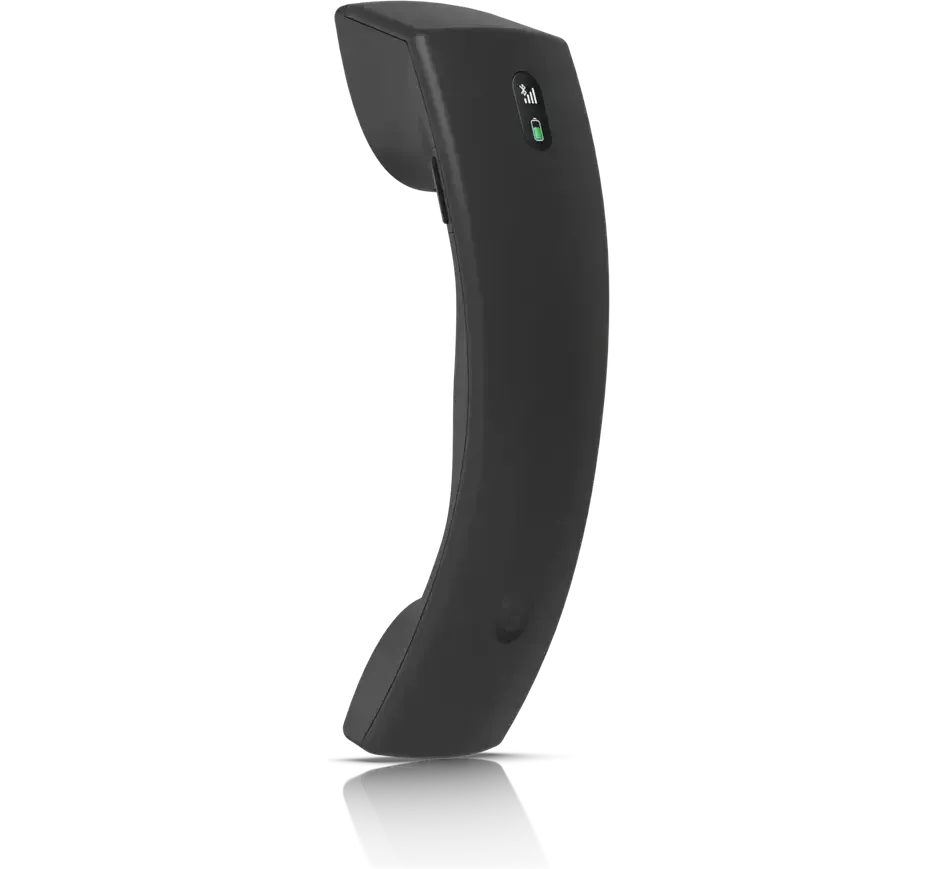
Corridors, warehouses and break rooms, where there is no desk

Carried around the building, on the same extension

Carried around the building, on the same extension

How it works

How the work runs

01

The carrier and the contract term

The carrier, which numbers are actually in use, and what is still inside a contract term. Porting is the part of this with a date attached, so it goes first.

02

Counted against the desks

How many people are at one, how many are not, and who needs to answer the main line. Both routes are priced where both fit.

03

The call flow agreed before the switch

Who rings first, what happens at lunchtime, and where a call goes at 6pm. Written down and agreed while there is still time to change it.

04

Ported and cut over

The numbers move on a booked date. The old service stays up until the new one is taking calls.

Questions we get asked

Can we keep our existing numbers?

Yes. Numbers are ported from the current carrier onto whichever route is chosen. The port is booked for a date and the old line keeps working until it completes.

Which is better, handsets or Teams?

Neither, on its own. Desks full of people who answer the phone all day suit handsets; a team that is mostly out or mostly on a laptop suits Teams. The count of people actually sitting at a desk decides it more often than anything else.

Can we run both?

Yes, and it is common. Handsets at the counter and in the warehouse, Teams for everyone else, one directory and one main number across both.

Do the phones need new cabling?

Usually not. Desk handsets take power and data from the same network cable, so an existing run to a desk is normally enough.

What happens to the phones if the internet drops?

Both routes need the line. Where calls cannot stop, the answer is a second path to the internet that takes over on its own, which is a separate piece of equipment and a separate conversation.

What about the fax line, the lift phone or the gate intercom?

Those stay. A small adapter puts an existing analog device onto the new system, so the alarm dialler and the lift phone are not the reason the rest of it cannot move.

Send the current phone bill

The carrier, the numbers in use and what is still under contract are all on it. That is what sets the timing.

CloudCentric · Mount Pleasant, SC · serving Charleston and the Lowcountry(844) 422-7000