Display Cast Lite (UC-Cast-Lite)
 Supplied and installed · Charleston & the Lowcountry
Ubiquiti UniFi · UC-Cast-Lite
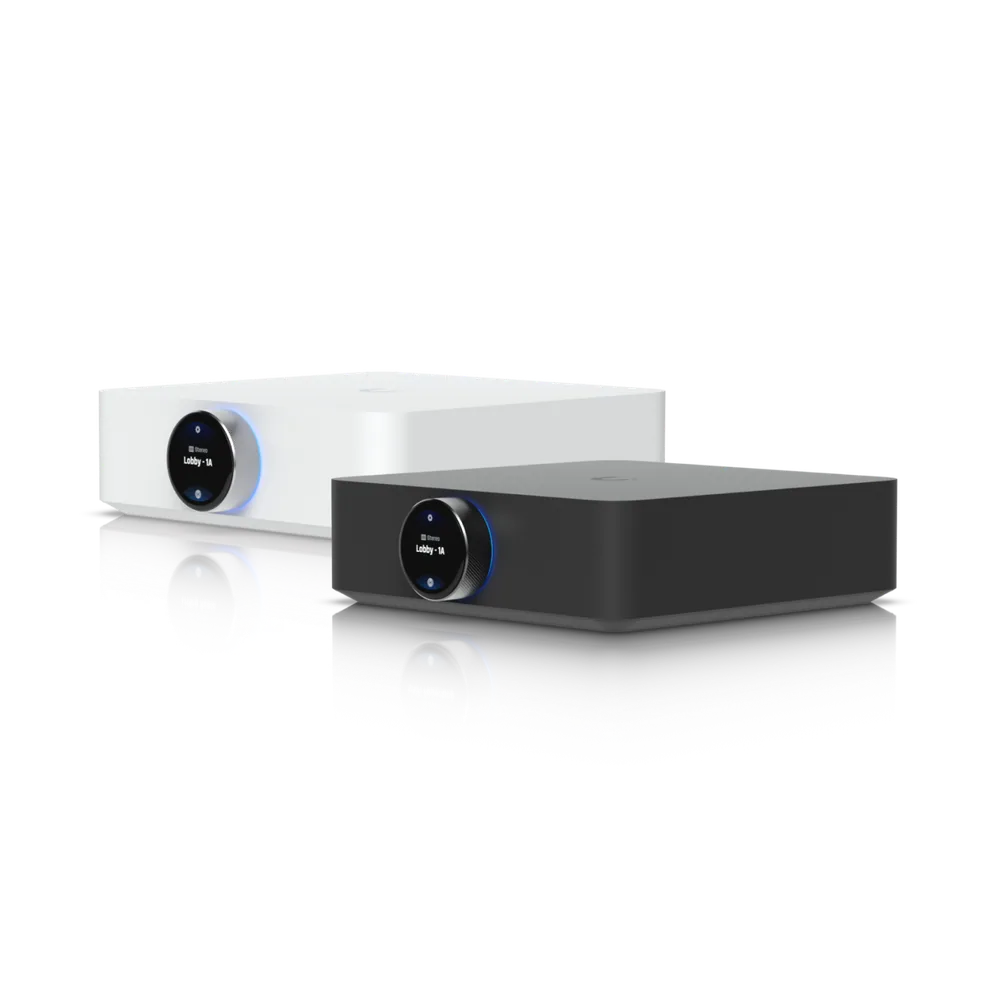
Display Cast Lite
Digital signage player designed for media playback on HDMI displays.
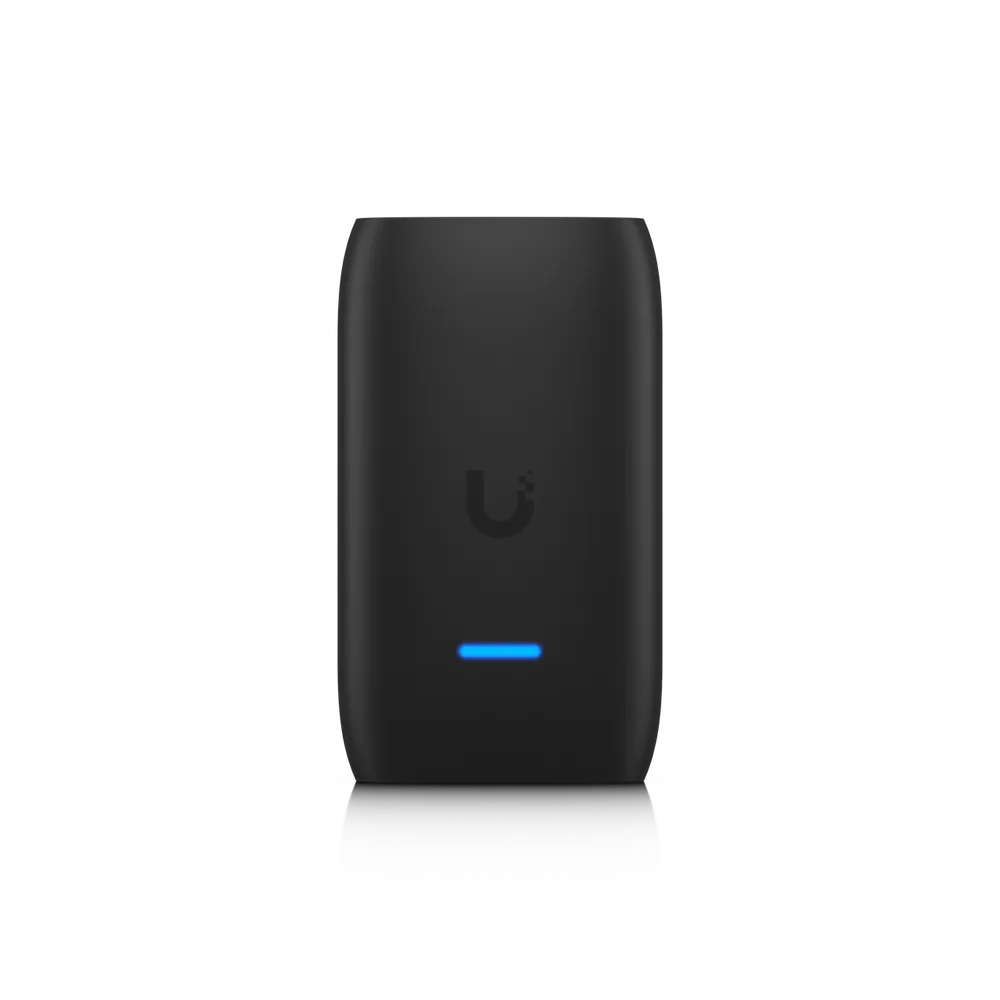
In short
 Supports media content playback up to 1080p resolution on any HDMI-compatible display
 Automatically powers the display on or off with HDMI CEC
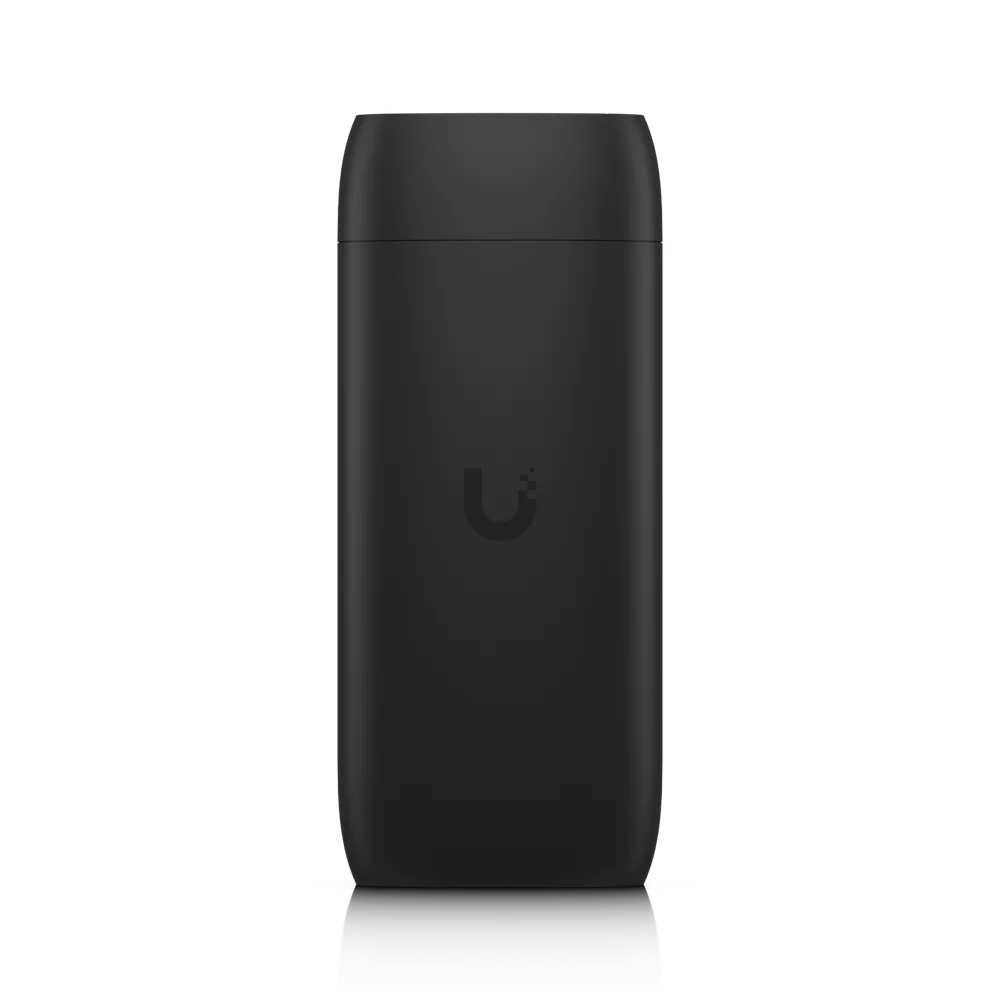
 Powered by a USB-C adapter
 Connects easily with UniFi WiFi Auto-Link
- Note. HDMI cable not included. Protect camera streaming not supported. Use Protect Viewport to view camera feeds on an HDMI display.
Full specifications
Manufacturer data for the UC-Cast-Lite.
Overview
| Dimensions | Without mount: 90 x 52 x 31 mm (3.5 x 2.1 x 1.2") With mount: 92.1 x 56.3 x 40.8 mm (3.6 x 2.2 x 1.6") |
| Display Output | (1) HDMI port |
| Video Content Support | 480p / 720p / 1080p |
Mechanical
| Weight | Without mount: 160 g (5.6 oz) With mount: 180 g (6.3 oz) |
| Pole Mount Diameter | 1~2" (25–50 mm) |
Hardware
| Processor | Quad-Core Arm® Cortex®-A55, 1.9 GHz |
| Memory | Storage: 16 GB RAM: 2 GB |
| Power Method | (1) USB Type-C 5V DC, 1AUACC-Adapter-PoE-USBC can convert GbE RJ45 to USB-C |
| Max. Power Consumption | 5W |
| Connectivity | WiFi 2.4G, BW 20/40 MHz WiFi 5G, BW 20/40/80 MHz |
| WiFi Standards | 802.11 a/b/g/n/ac/ax |
| LEDs · System | White/blue (Learn More ) |
| Buttons | (1) Factory reset |
| Ambient Operating Temperature | 0 to 40° C (32 to 104° F) |
| Ambient Operating Humidity | 20 to 90% noncondensing |
| Certifications | CE, FCC, IC, Wi-Fi CERTIFIED UL 62368-1, CSA C22.2 No. 62368-1 |
Software
| Management Application · UniFi Connect Web | Version 3.17.0 and later |
| Management Application · UniFi Connect iOS™ and Android™ | Version 2.26.0 and later |
How it works
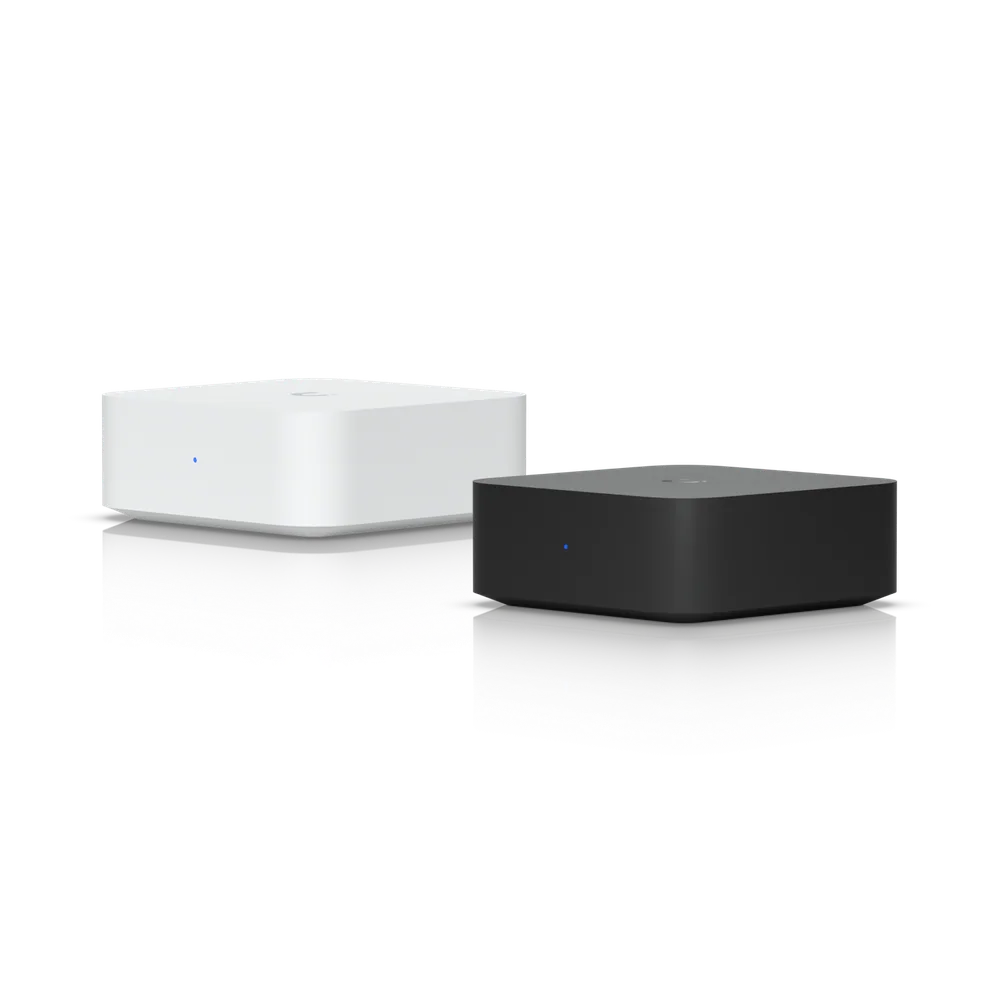
The screen is an ordinary flatscreen. Display Cast sits behind it on HDMI and USB-C power and shows a menu layout, a playlist, a video or a live web page.
Anything with a URL can go on screen - wait times, an order queue, availability, a dashboard. A touch panel on the USB-C port makes it interactive.
Menus change from a laptop. Nobody carries a USB stick to a ladder.
Questions we get asked
Does this work with the TV I already have?
If it has an HDMI port, yes. The player connects to HDMI and takes power from USB-C. Most ordinary commercial or consumer flatscreens are fine.
Can I change the menu myself?
Yes. Content is managed from a browser, so a price change or pulling a sold-out special takes effect on the screens without anybody touching the TVs.
Can it show a live web page rather than just images?
Yes. It has a web mode, so anything with a URL can go on screen - a wait-time board, a live queue, an availability page, or a dashboard from your own system.
Can it show my security cameras?
Not with Display Cast - Ubiquiti's note on the product is explicit about that. Camera feeds on a screen use a Protect Viewport instead, which is a separate device we can quote alongside it.
How many screens can run from one system?
Multiple players are managed together from the same console, showing the same content everywhere or something different on each screen.
Get a price on the UC-Cast-Lite
Tell us the building and what it has to cover. We quote the equipment and the installation together.
(844) 422-7000Product names, images and technical specifications are Ubiquiti Inc.'s, reproduced from the manufacturer's published product data for the equipment we supply. UniFi and Ubiquiti are trademarks of Ubiquiti Inc. CloudCentric is an independent installer and is not affiliated with Ubiquiti Inc.