UniFi 5G Max (U5G-Max)
 Supplied and installed · Charleston & the Lowcountry
Ubiquiti UniFi · U5G-Max
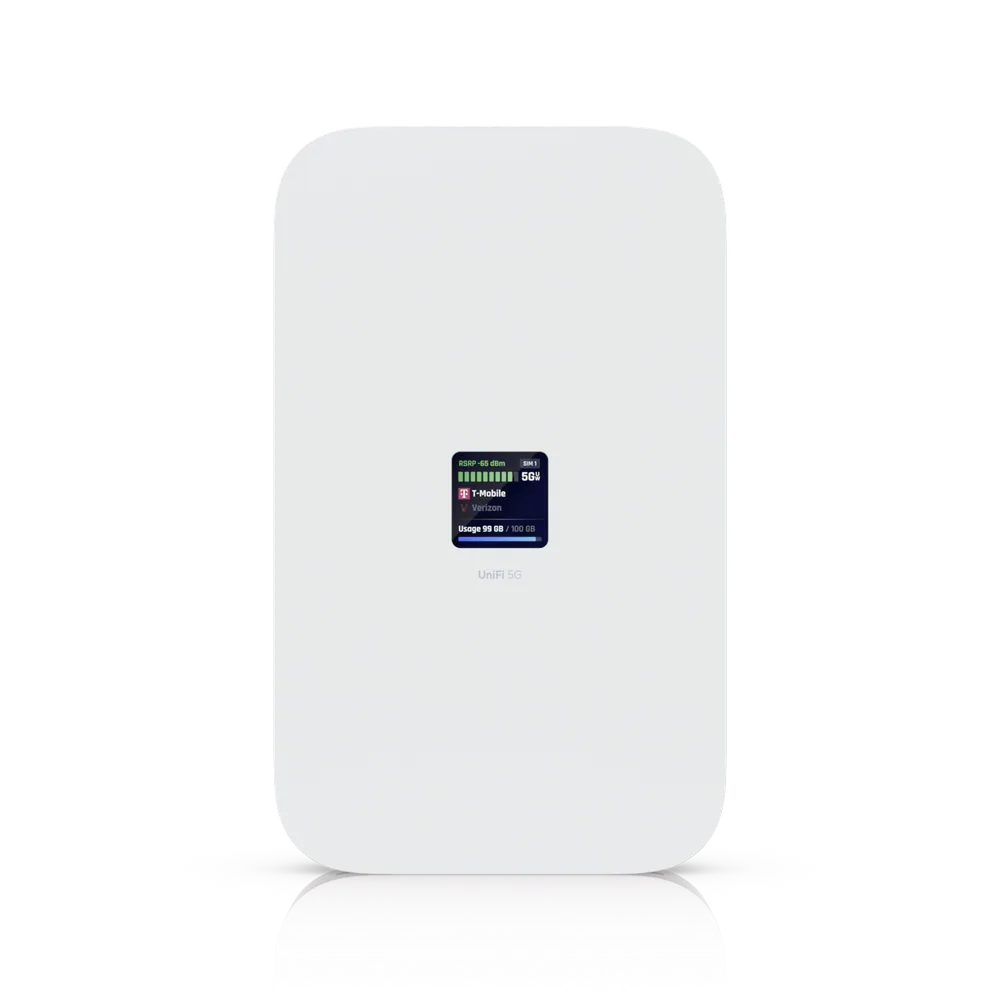
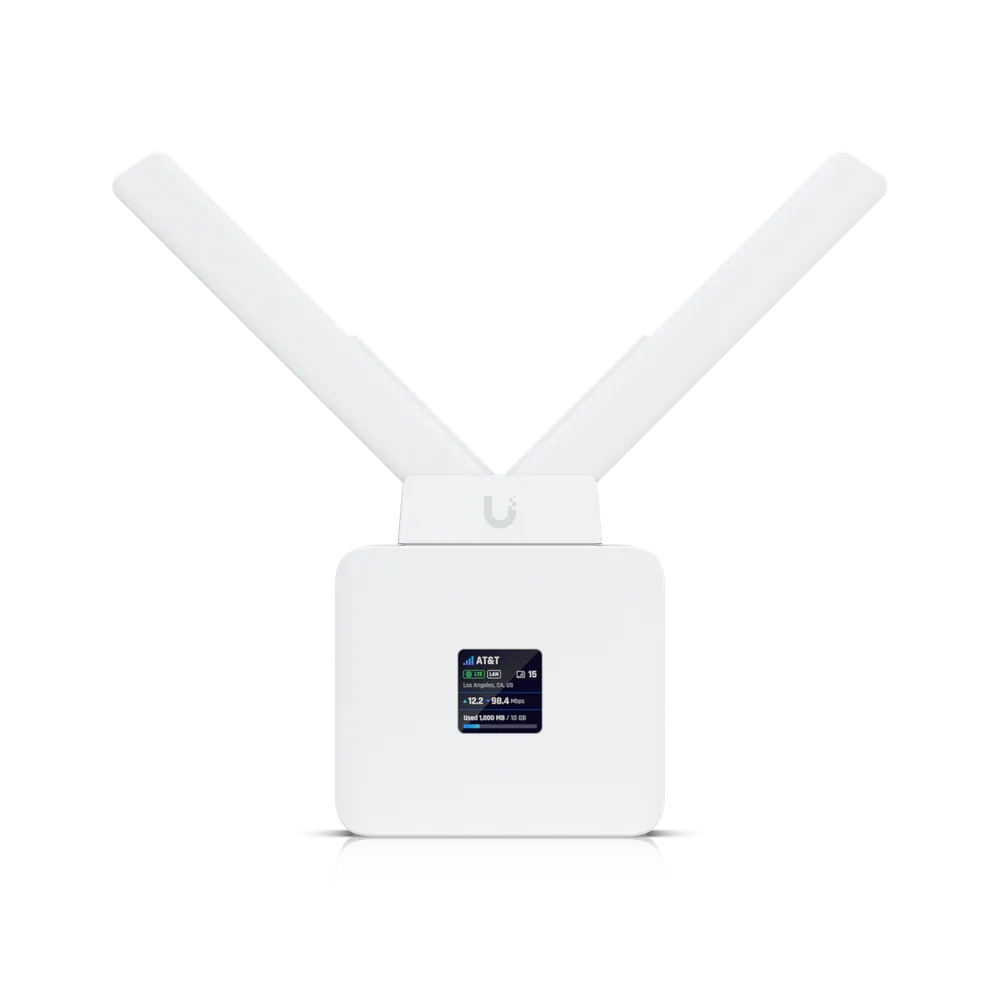
UniFi 5G Max
A high-performance 5G (3.4 Gbps) modem for any UniFi deployment. Instantly adopt through any UniFi PoE port, it delivers automatic setup, dual SIM/eSIM, and seamless failover. Certified with AT&T, T-Mobile, and Verizon.
Full specifications
Manufacturer data for the U5G-Max.
Overview
| Dimensions | 180 x 109 x 33.8 mm (7.1 x 4.3 x 1.3") |
| Networking Interface | (1) 2.5 GbE RJ45 port 5G NR and LTE radio |
| SIM | (1) Nano SIM (1) Nano-SIM or eSIMNano-SIM 2 cannot be used when an eSIM is active. |
| PoE Interface | (1) PoE input |
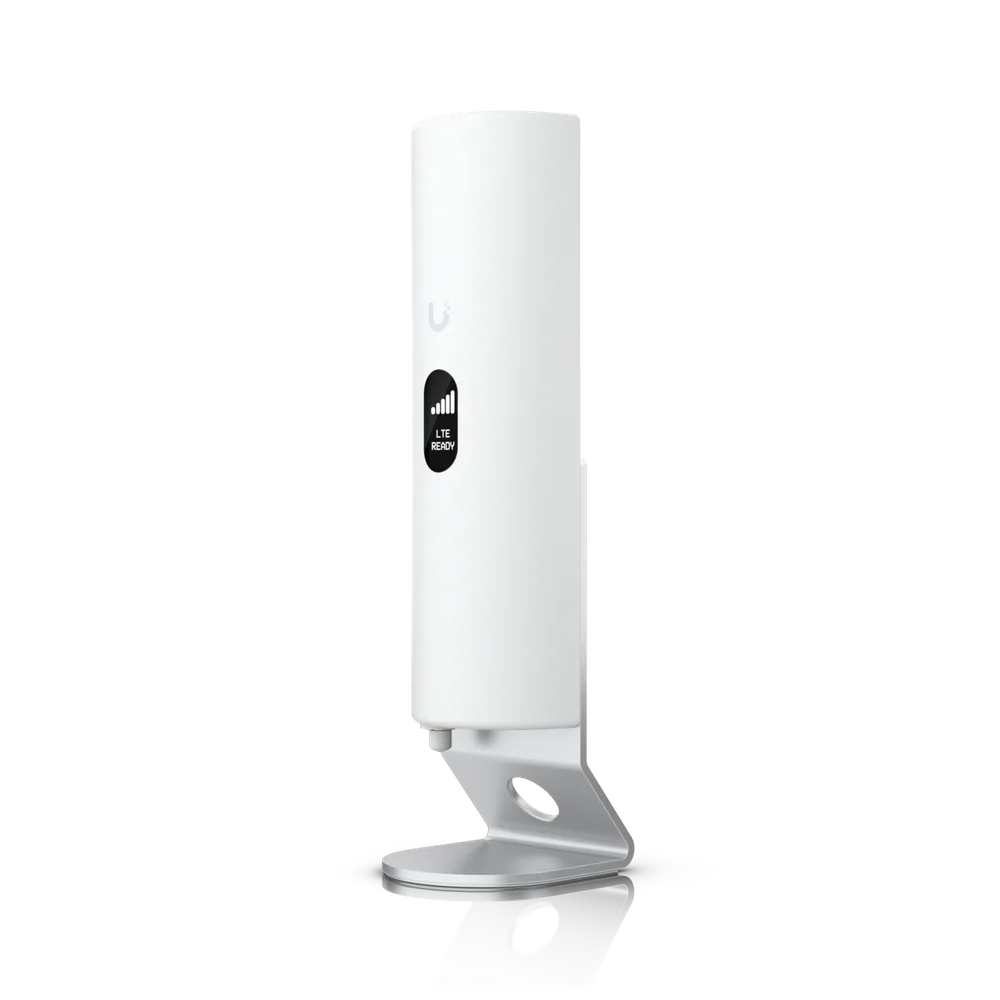
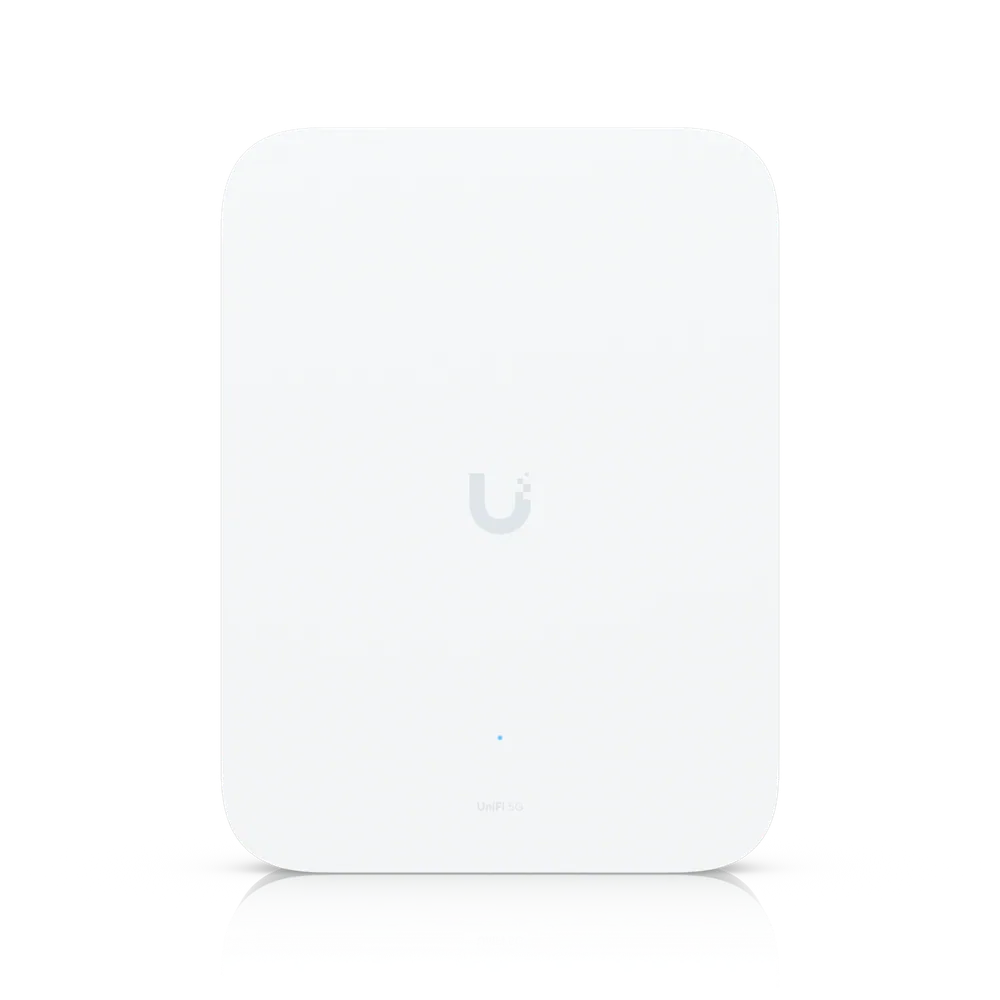
| Mounting | Desktop stand, wall, window mount (Included) |
| Tamper Resistance | IK04 |
Mechanical
| Weight | Device: 410 g (14.5 oz) Stand: 215 g (7.6 oz) Wall mount: 7.6 g (0.3 oz) Window mount: 20 g (0.7 oz) |
| Enclosure Material | Polycarbonate, aluminum alloy |
| Mount Material | Polycarbonate, silicone rubber |
Hardware
| Management | Ethernet |
| 5G NR · Category | 5G NR |
| 5G NR · Frequency Bands | n1, n2, n3, n5, n7, n8, n12, n13, n14, n18, n20, n25, n26, n28, n29, n30, n38, n40, n41, n48, n66, n71, n75, n76, n77, n78, n79 |
| 5G NR · Max. TX Power | HPUE power class 2: 26 dBm |
| 4G LTE · Frequency Bands | B1, B2, B3, B4, B5, B7, B8, B12, B13, B14, B17, B18, B19, B20, B25, B26, B28, B29, B30, B32, B34, B38, B39, B40, B41, B42, B43, B46, B48, B66, B71 |
| 4G LTE · Max. TX Power | HPUE power class 2: 25 dBm |
| 3G UMTS · Frequency Bands | B1, B2, B4, B5, B8, B19 |
| Peak Data Speed · 5G NSA | Downlink 3.4 Gbps Uplink 560 MbpsSpeed depends on network coverage and performance at the device location |
| Peak Data Speed · 5G SA | Downlink 1.8 Gbps Uplink 650 Mbps |
| Peak Data Speed · 4G LTE | Downlink 1.6 Gbps Uplink 210 Mbps |
| Antennas · Type | (4) Embedded cellular antennas |
| Max. Power Consumption | 14.5W |
| Power Method | PoE |
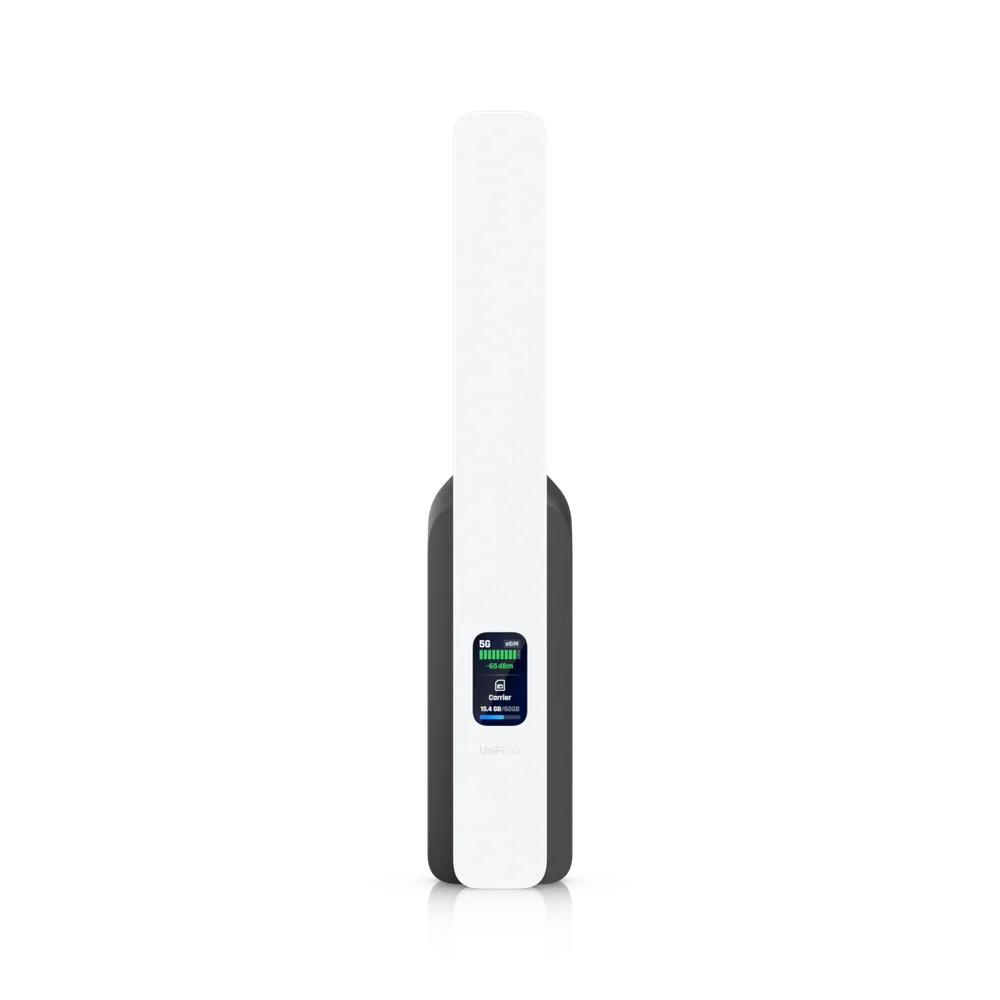
| Display | 1.3" touchscreen |
| Buttons | (1) Factory reset |
| Ambient Operating Temperature | 0 to 40 °C (32 to 104 °F) |
| Ambient Operating Humidity | 5 to 95% noncondensing |
| Certifications | FCC, IC, CE, PTCRB, GCF, AT&T, T-Mobile |
Software
| Application Requirements · UniFi Network | Version 10.0.162 and laterAn alternative internet connection (e.g., standard ISP or WAN) is required to update UniFi consoles and Cloud Gateways before U5G-Max adoption. |
What this does
Card payments are the one thing that cannot wait for a line to come back. A cellular backup takes over automatically.
It wants a different carrier from your main service, and in some buildings the antenna needs a view of the sky. Both get checked first.
Questions we get asked
Will card payments keep working if the internet drops?
That is exactly what this is for. Failover happens automatically, normally fast enough that a transaction in progress is the only thing affected.
Does it need its own contract?
It needs a cellular data plan, and it should be on a different carrier from your main internet service - otherwise a regional outage takes both down together.
Get a price on the U5G-Max
Tell us the building and what it has to cover. We quote the equipment and the installation together.
(844) 422-7000Product names, images and technical specifications are Ubiquiti Inc.'s, reproduced from the manufacturer's published product data for the equipment we supply. UniFi and Ubiquiti are trademarks of Ubiquiti Inc. CloudCentric is an independent installer and is not affiliated with Ubiquiti Inc.